Create Customizable
QR Codes with No Login
Generate QR Codes using MinifyLinks’ Custom QR Studio in seconds and share them online with your audience instantly across all social media platforms and promotional materials—digital as well as print.
Create QR Codes for ROI-Driven Campaigns
Rethink the way you reach, share, and overall engage with your audience.
Pick Your Brand Colors
Customize QR codes to match your brand colors and design. This feature helps you add your signature to all your ads, packaging, and print.
Pattern & Corner Styles
Replace standard design with patterns like dots, rounded, and squares. This improves your QR's visual appeal without sacrificing speed or limits.
Use Your Own Logo
Use official brand logos, product badges, icons, or images straight to the center of the QR codes to establish instant trust and drive more scans.
Mobile-Optimized QR Codes
Our responsive QR code ensures that any landing page, digital menu, or content linked automatically resizes and displays cleanly on phone screens.
Super Fast Loading Time
We support faster load times by shortening destination URLs and using static QR instead of heavy redirects or full-page optimization for mobile.
Edit QR with Live Preview
Check changes in real time and update the code graphic instantly, including color, style, and logo. Spot mistakes and test scan right away.
Design Custom QR Codes That Match Your Brand & Inspire Instant Action
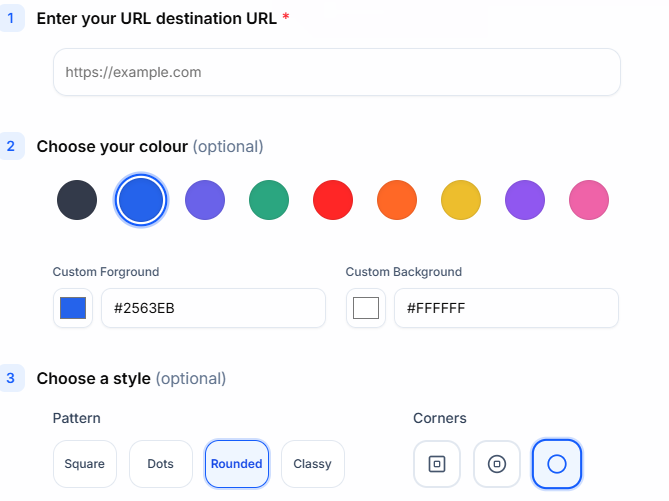
Created for Fast & Reliable Scanning, Ready for Your Audience Interactions
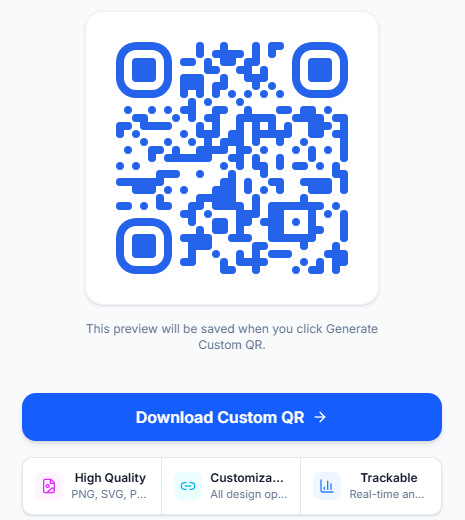
Use Memorable QR Codes for Branded Experiences on Every Platform
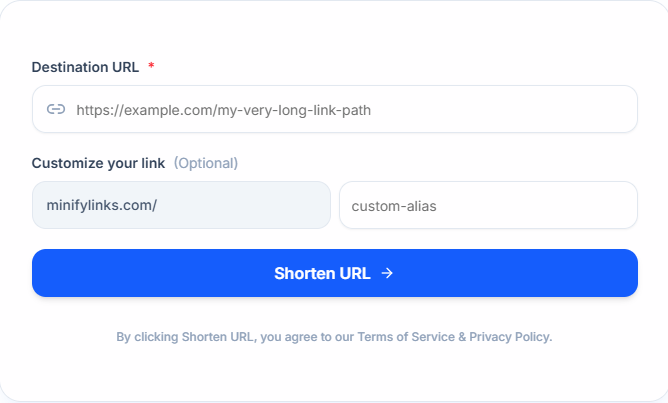
How to Use Custom QR Studio
Design and edit all QR Codes via MinifyLinks and engage with your audience effortlessly.
Enter Your Destination
Copy and paste your landing page URL into the destination field.
Customize QR Codes
Personalize your QR with elements like color, style, and logo.
Download Custom QR
Once everything is finalized, click the Download Custom QR button.
Share Across Platforms
Use new QR code in marketing and engage better with your audience.
What our customers are saying
The UI was good, and I can constantly see a live preview of my QR and customize details according to that. The QR works well, and it features my logo in the center, which looks cool while scanning.
Sophia Martinez
E-commerce Store Owner, Craft & Code